

Connect Pagar.me to Nevian
Connect Pagar.me so sales and payment changes reach Nevian and can be matched to the visit that brought the buyer.
What you need
- A Pagar.me account with permission to configure notifications.
- An active Nevian plan and an owner, admin or member role. Viewers cannot connect integrations.
- Keep the checkout and Nevian tabs open side by side.
Steps
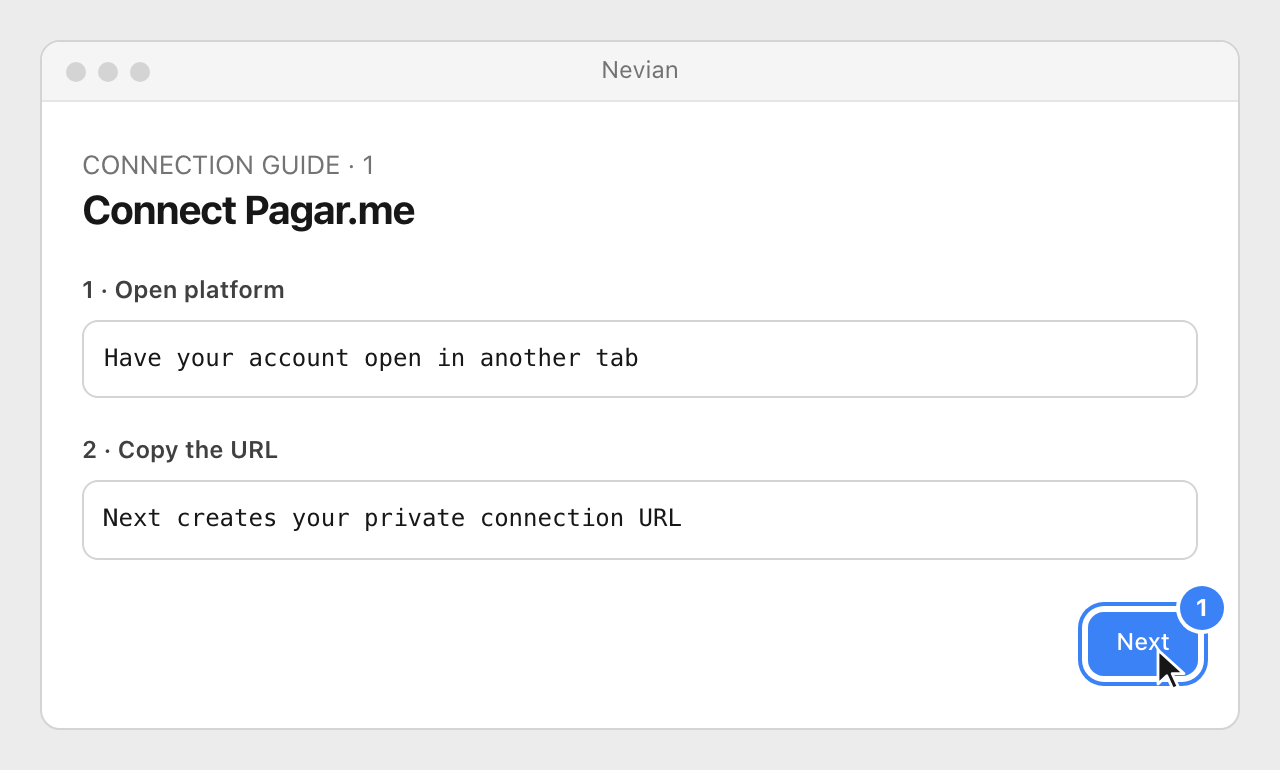
In Nevian, open Integrations → Add integration (Connect provider in an empty workspace), choose Pagar.me and click Next with the platform open in another tab.
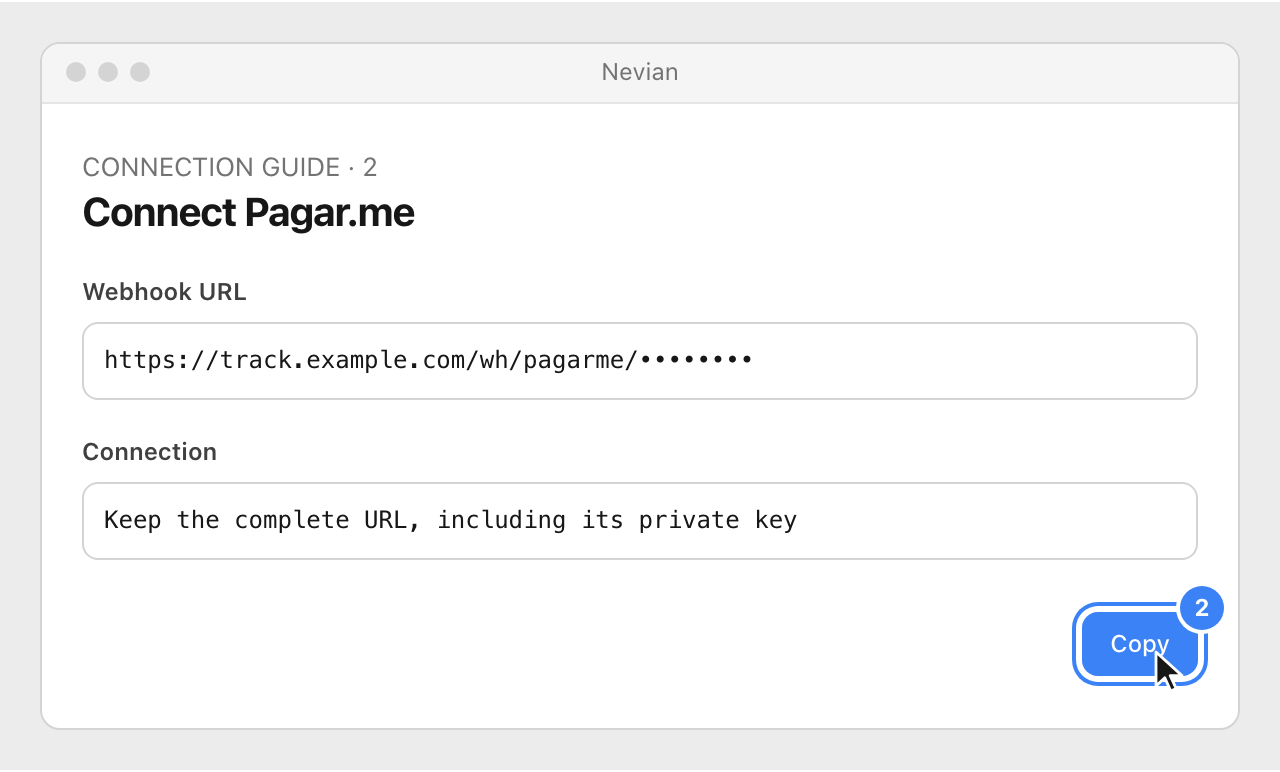
Copy the complete Webhook URL. Keep it private and leave this window open while you configure Pagar.me.
In Pagar.me, open Conta → Configurações → Webhooks and create a webhook for your v5 account.
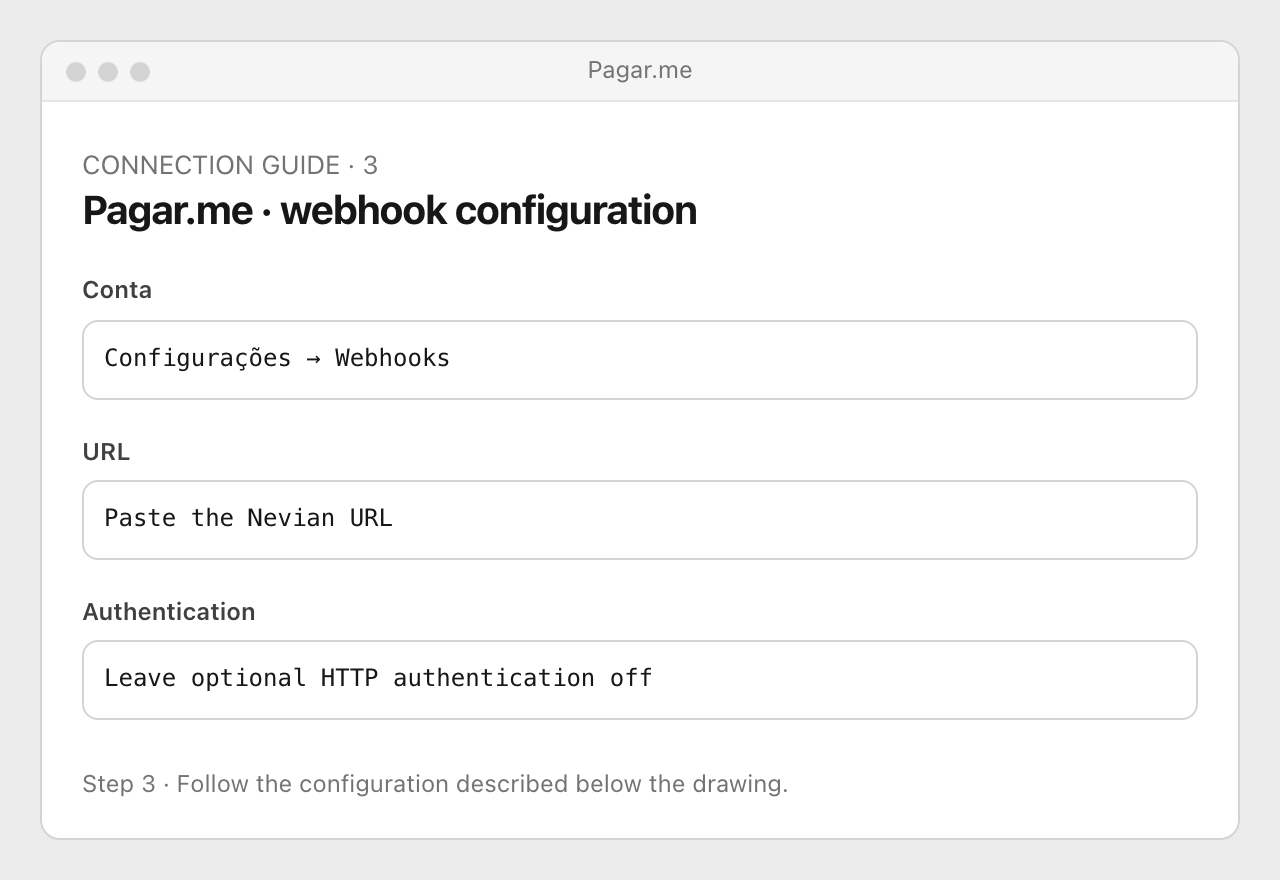
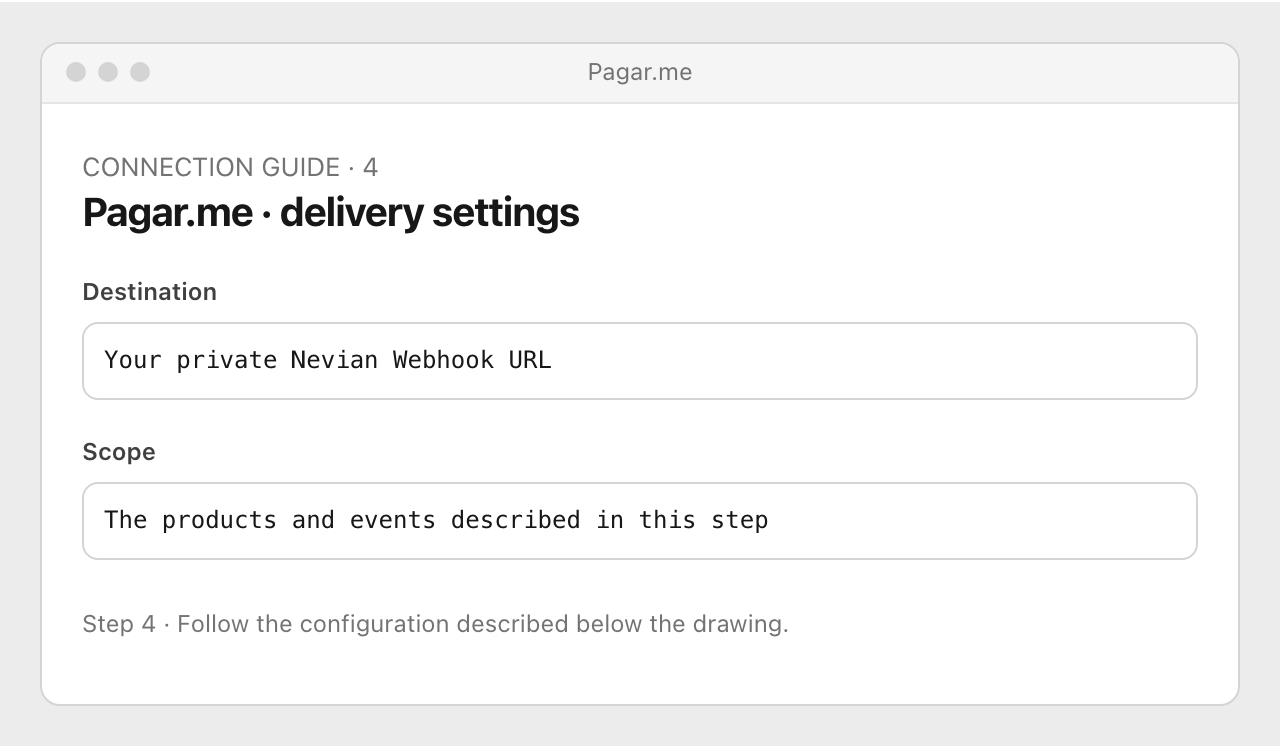
Paste the URL, select the events below and save. Leave optional HTTP authentication disabled: the private key in the URL authenticates this connection.
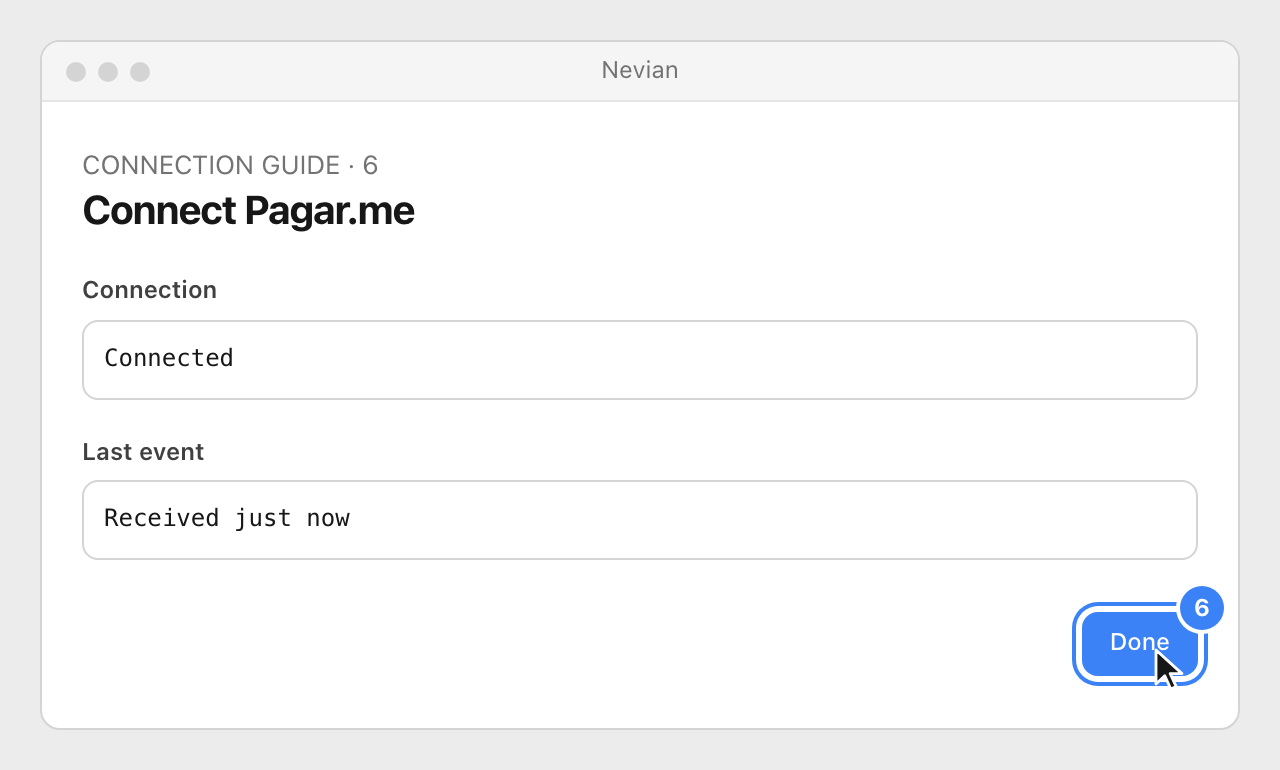
Back in Nevian, go on to the last step of the window. It reads Connected. Waiting for the first sale. Click Done: your first sale shows up by itself.
Events: order.created, order.paid, order.payment_failed, order.canceled, charge.refunded, charge.partial_canceled and charge.chargedback. For subscriptions also use invoice.paid, invoice.payment_failed and invoice.canceled. Partial refunds are logged; only a full refund changes the sale to refunded. Subscription charges are tracked, but this connection does not calculate MRR.
Check that it works
- The Pagar.me card in Integrations shows it as connected right away, waiting for the first sale.
- The first real sale shows up in Logs → Webhooks and in the reports. A delivered webhook can be logged without creating a sale when the event is informational.
- Nevian cannot tell an order made with Pagar.me’s test-mode keys from a real one. If one arrives, it is recorded as a sale: open it in Logs → Conversions and click Mark as test, and it stays out of revenue.
- Your server must put the visit ID in
metadata.btkwhen creating the order or subscription. A per-visitor payment link can useorder_code; a shared link cannot carry a different click ID for each buyer.
Problems
No sale shows up after a real sale
Check the complete URL, event subscriptions and product scope. If you rotated the integration key, replace the URL in the provider too.
The call was rejected
Read the reason in Logs → Webhooks. Check the secret when one is configured. After you fix it, resend the rejected event from the provider, so it is not lost.
No matching click
A call that is not linked to a visit means the buyer reached the checkout without the click ID: follow the click ID instructions above.
Still stuck? Chat with us on WhatsApp or write to contact@nevian.io.
Images are our own drawings and configuration diagrams, not screenshots. Use the current values from your account; the examples contain no live credentials.